How to Login to LankaHost Portal with Your Google Account
- Login to your LankaHost Account using your client area user name and password
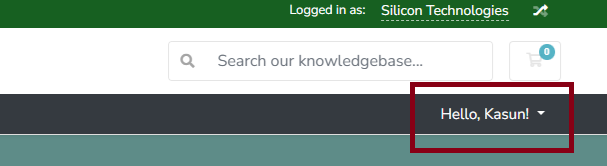
2. Once logged in, Click on your name on top menu
3. Click on Security Settings
4. From the 'Linked Accounts' section, click on "Sign in with Google"